
Pinpoint 3114.0.0 - App Store
You'll be able to see results in few seconds.
Publisher Description
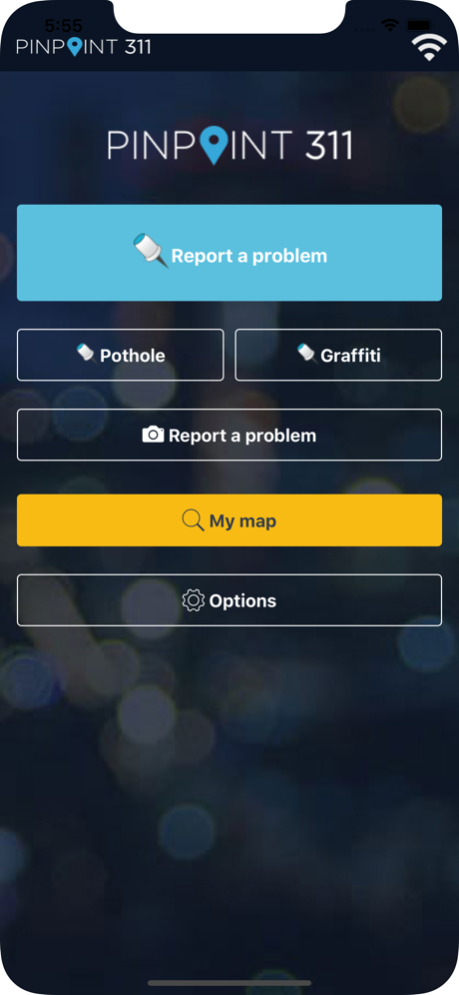
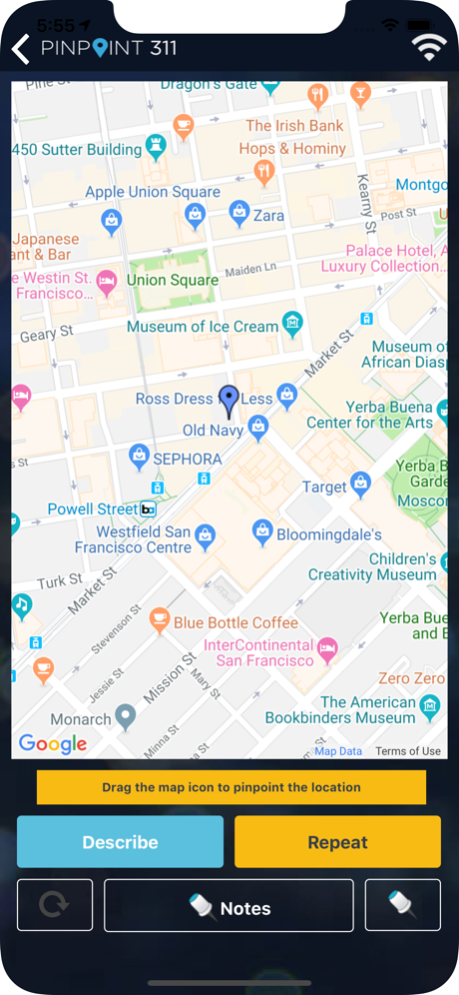
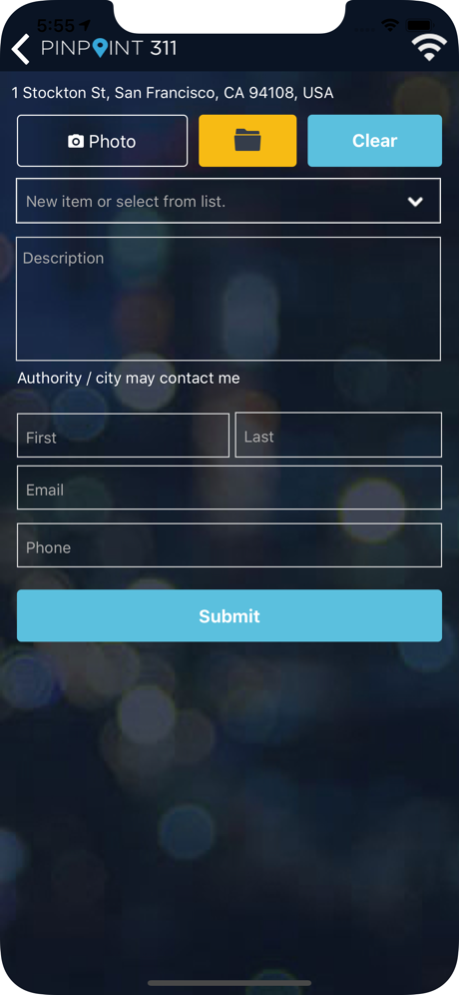
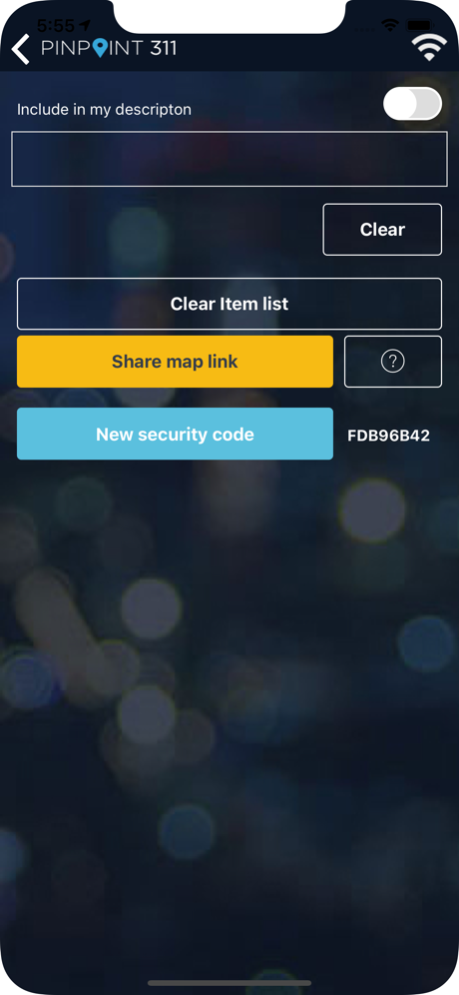
Pinpoint 311 is the easiest way to report any non-emergency problem- anywhere, anytime.
Pinpoint 311 delivers it for you, urgently, to get resolved by those who need to fix it: your city or community, your federal, provincial or state authority, a private property manager. Pinpoint 311 gets it to those who need to know about it.
Pinpoint 311 is anonymous and secure. No registration, no fees, no advertising, ever.
Use the app to take one-touch photos of a problem, or take a moment to describe it. See your report live on the pinpoint311 website where others can see it, comment on it and vote for it.
Pinpoint 311 works behind the scenes to deliver your report to existing 311 and other incident tracking systems- making it easy for cities and property managers to get action started on resolving your problem. Track the progress of the problem in the app or online at pinpoint311.com
• One touch photo – touch, click, done.
• Quickly describe any problem – with or without a photo
• Include a photo from your gallery, or use your camera
• Share your problems with anyone securely
• Make and share private notes about locations on your travels
• Work with volunteer groups by including #tags
• Report suspicious activities, nuisances and common problems
• See your reports live at pinpoint311.com – visit to learn more
Love your community? Use Pinpoint 311 to make it safer, cleaner and better.
Oct 20, 2020
Version 4.0.0
Updated platform and minor issues addressed
About Pinpoint 311
The company that develops Pinpoint 311 is Zander s2000 Corporation. The latest version released by its developer is 4.0.0.
To install Pinpoint 311 on your iOS device, just click the green Continue To App button above to start the installation process. The app is listed on our website since 2020-10-20 and was downloaded 0 times. We have already checked if the download link is safe, however for your own protection we recommend that you scan the downloaded app with your antivirus. Your antivirus may detect the Pinpoint 311 as malware if the download link is broken.
How to install Pinpoint 311 on your iOS device:
- Click on the Continue To App button on our website. This will redirect you to the App Store.
- Once the Pinpoint 311 is shown in the iTunes listing of your iOS device, you can start its download and installation. Tap on the GET button to the right of the app to start downloading it.
- If you are not logged-in the iOS appstore app, you'll be prompted for your your Apple ID and/or password.
- After Pinpoint 311 is downloaded, you'll see an INSTALL button to the right. Tap on it to start the actual installation of the iOS app.
- Once installation is finished you can tap on the OPEN button to start it. Its icon will also be added to your device home screen.
Program Details
System requirements
Download information
Pricing
Version History
version 4.0.0
posted on 2020-10-20
Oct 20, 2020
Version 4.0.0
Updated platform and minor issues addressed
version 4.0.0
posted on 2020-10-20
Oct 20, 2020 Version 4.0.0
Updated platform and minor issues addressed
version 3.0.1
posted on 2019-05-15
May 15, 2019 Version 3.0.1
Update to improve secure sharing with friends
version 1.0
posted on 2016-10-07
version 4.0.0
posted on 1970-01-01
2020年10月20日 Version 4.0.0
Updated platform and minor issues addressed
Disclaimer
Official App Store Link
We do not host Pinpoint 311 on our servers. We did not scan it for viruses, adware, spyware or other type of malware. This app is hosted by Apple and passed their terms and conditions to be listed there. We recommend caution when installing it.
The App Store link for Pinpoint 311 is provided to you by apps112.com without any warranties, representations or guarantees of any kind, so access it at your own risk.
If you have questions regarding this particular app contact the publisher directly. For questions about the functionalities of apps112.com contact us.
